Go / no-go against your minimums
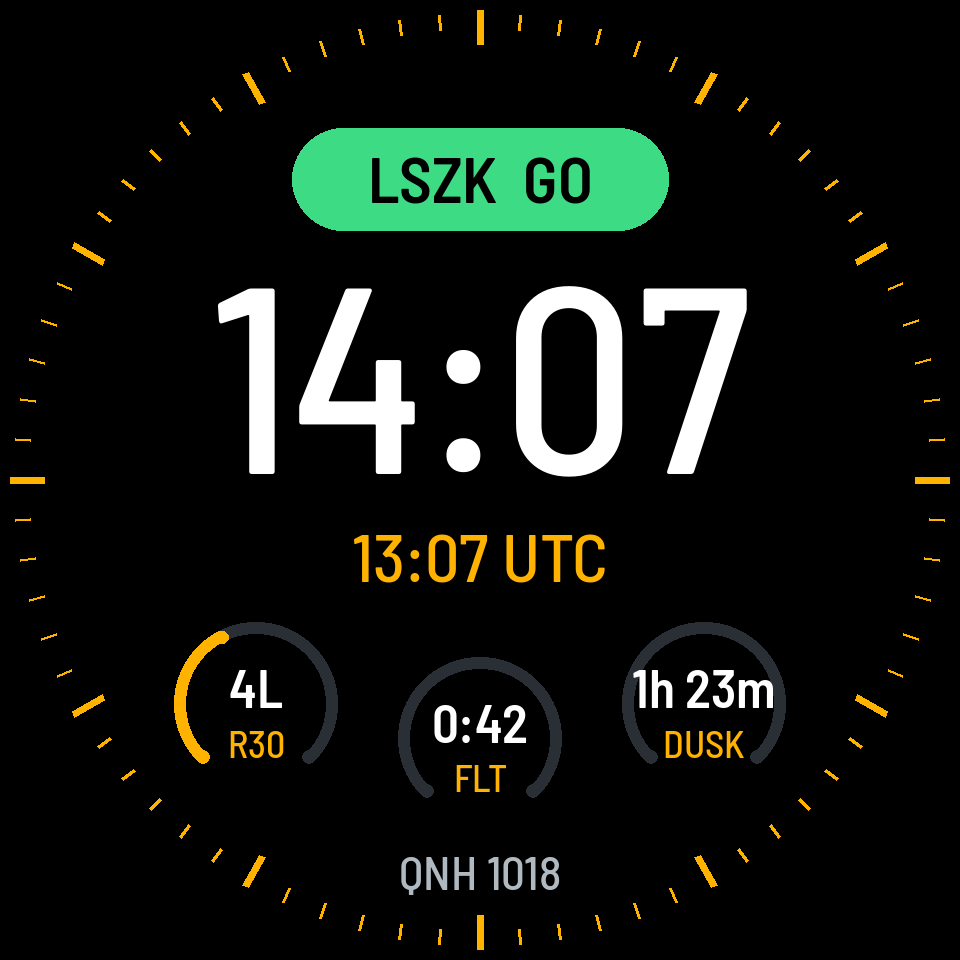
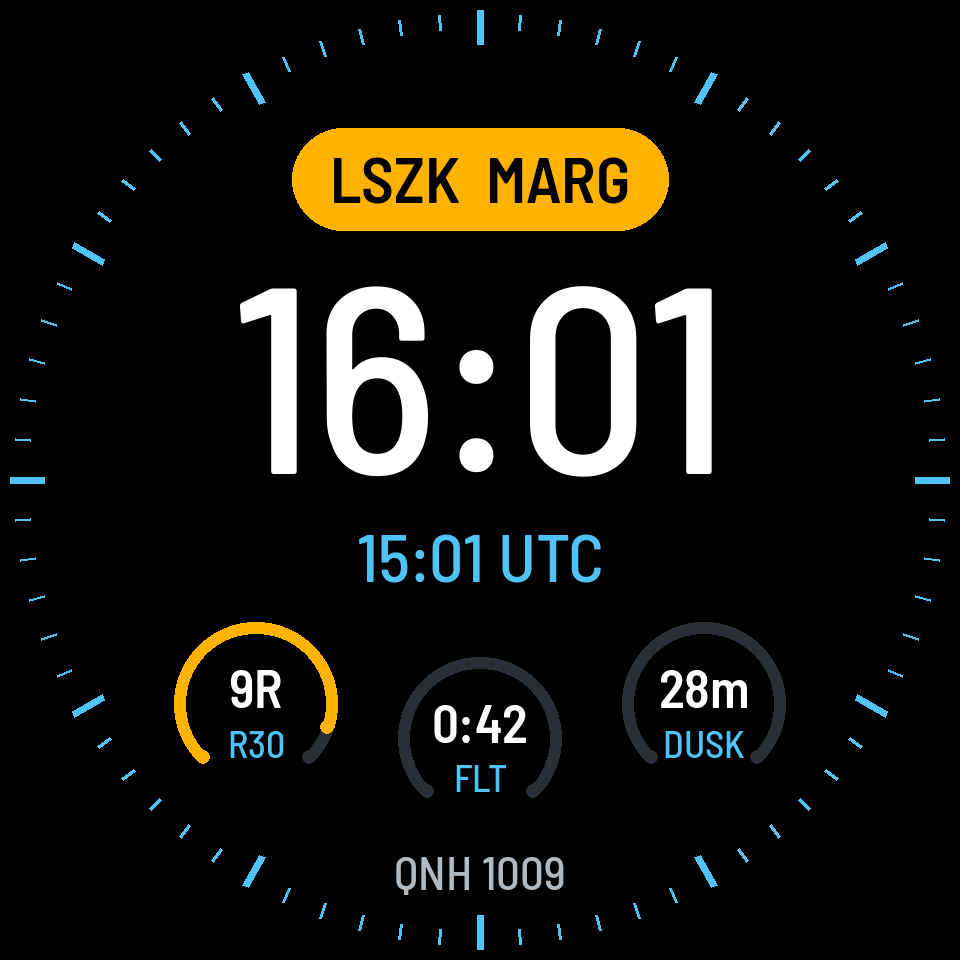
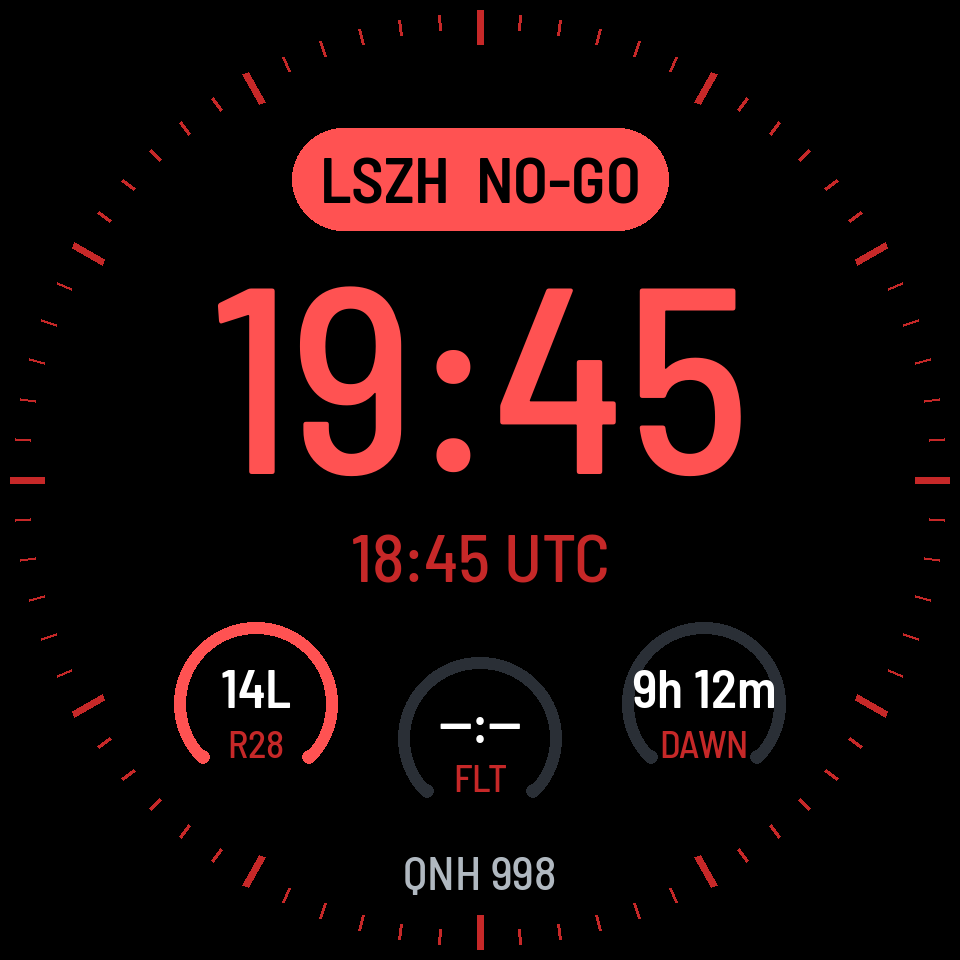
PilotDial fetches the latest METAR and TAF for the station nearest your aerodrome and compares ceiling, visibility, wind, gusts, crosswind and tailwind with your limits. The watch face badge turns:
- GO – within your minimums
- MARG – close to a limit
- NO-GO – outside your minimums
The TAF is checked for the next 3 hours as well, so a forecast change below your limits, including TEMPO and PROB groups, turns the badge amber before it arrives. Many small aerodromes have no METAR of their own. When the report comes from another station, PilotDial converts the ceiling to height above your aerodrome. Example: Speck-Fehraltorf (LSZK) uses the Dübendorf (LSMD) METAR, and the cloud base is corrected for the elevation difference between the two.
Crosswind for the best runway
Head-, cross- and tailwind components for the runway that suits the wind best, from a worldwide runway database built into the app. Gusts and variable wind directions are taken into account, using the worst case. The crosswind dial complication is part of Pro.
Daylight left
A countdown to the end of civil twilight at your aerodrome, calculated on the watch. Useful for the last circuit of the day and for planning the way home.
UTC, QNH and density altitude
Zulu time next to local time, the QNH from the latest METAR, and the density altitude at your aerodrome from its elevation, temperature and pressure.
Flight timer and logbook
Tap at block off and block on. In between, the watch uses GPS to note take-off, landings and touch-and-goes, and names the departure and arrival aerodromes. Check the counts after the flight and correct them if needed. The phone app exports the logbook as CSV for your paper or electronic logbook.
In-flight reminders
A wrist vibration at the interval you choose, labelled with what to check: FREDA, fuel, carb heat, engine temperatures and pressures, or a position report.
Tiles
Swipe from the watch face to the weather tile: status, wind, visibility and cloud for your aerodrome, plus the main reason when it is not green. The flight tile starts a flight at block off and shows block time and landings while it runs.